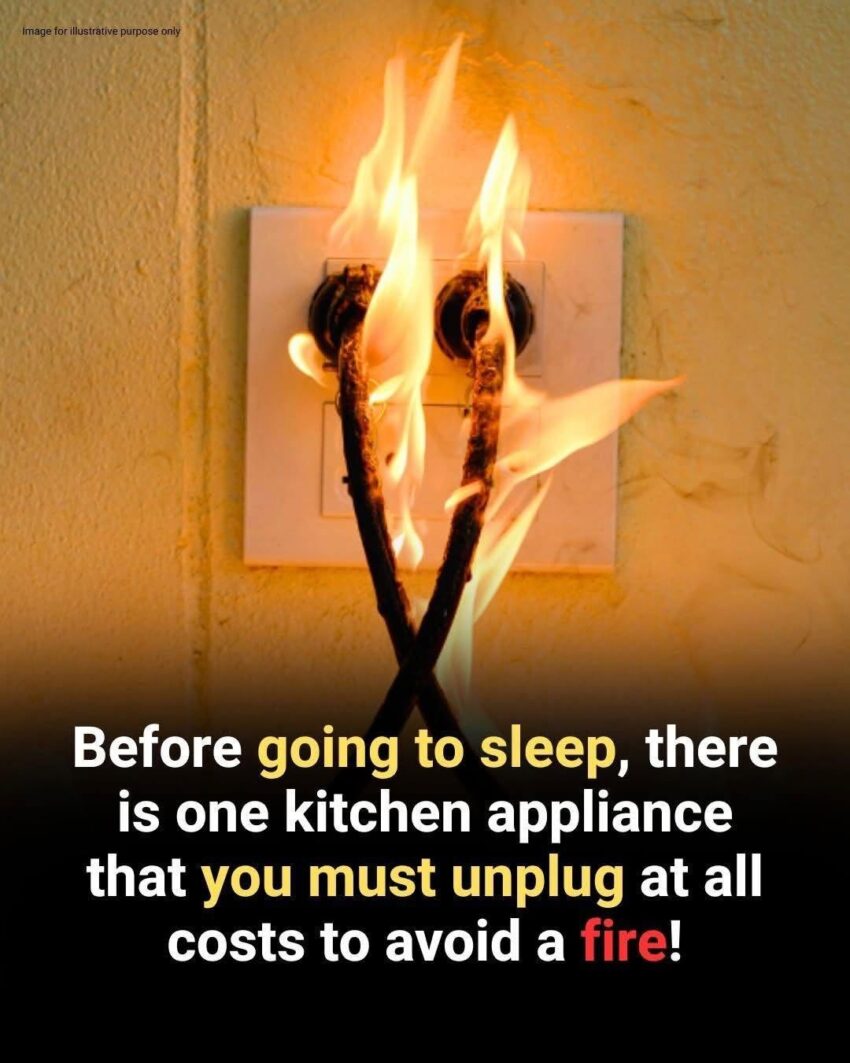
Some household appliances continue drawing electricity when they remain plugged in. Learn which 5 devices you may want to unplug after use to reduce standby energy use and improve household safety.
Leaving appliances plugged in all the time may seem harmless, but some electronic devices continue using a small amount of electricity even when they’re switched off. This is often called standby power, vampire power, or phantom load.
The amount used by an individual device is usually small, but many devices operating continuously can add to household electricity consumption. Unplugging certain appliances can also reduce risks associated with electrical faults when you’re away from home.
Here are five devices worth considering.
1. Hair Straighteners and Curling Irons
These appliances produce substantial heat and should never be left unattended.
Even when switched off, some models may remain connected to the electrical supply until unplugged. Once you’ve finished styling your hair:
Switch it off, allow it to cool safely, and unplug it.
Never leave a hot styling appliance on a bed, sofa, towel, or other flammable surface.
2. Toasters
A toaster is designed to heat food to very high temperatures, so it’s sensible to unplug it after use—particularly if you’re leaving home.
Before unplugging, make sure it has finished its cycle and has cooled appropriately. Regularly remove accumulated crumbs according to the manufacturer’s instructions.
3. Coffee Makers
Many modern coffee makers have electronic controls, clocks, displays, or warming functions that can continue consuming electricity while plugged in.
If you don’t need your coffee maker’s clock or standby features, unplugging it after use can eliminate that standby consumption.
4. Game Consoles and Entertainment Electronics
Game consoles, televisions, streaming devices, and similar electronics can consume some electricity while in standby mode.
You don’t necessarily need to unplug them every time you walk away for a few minutes. Instead, consider switching them off completely or using a smart power strip that can disconnect power to several devices at once.
Be aware that completely disconnecting some devices may prevent automatic updates or scheduled functions.
5. Chargers and Power Adapters
Phone and laptop chargers can consume some power when left connected without a device attached, although modern chargers generally use very little standby electricity.
If a charger isn’t being used, unplugging it is a simple way to eliminate that standby consumption.
More importantly, replace chargers that are cracked, damaged, unusually hot, or making unusual noises.
What About Your Refrigerator?
You generally shouldn’t unplug your refrigerator simply to save electricity. It needs continuous power to maintain a safe food temperature.
The same principle applies to other appliances that need to operate continuously, such as essential medical equipment or systems that provide heating, cooling, or security.
A Simple Energy-Saving Habit
You don’t have to walk around your home unplugging everything.
Instead, focus on appliances that:
- Produce significant heat
- Aren’t needed continuously
- Have standby electronics
- Are rarely used
- Could present a hazard if left operating unattended
A smart power strip can also make it easier to disconnect several entertainment devices at once.
Final Takeaway
Unplugging certain appliances won’t necessarily produce a dramatic reduction in your electricity bill, because standby consumption varies considerably between devices. But eliminating unnecessary standby power is a simple household habit, and unplugging heat-producing appliances after use is an important safety precaution.
The goal isn’t to unplug everything—it’s to unplug the things that don’t need to remain connected.